Read better on your phone
Practical guides for PDF, EPUB, offline reading, and Scroll+ updates

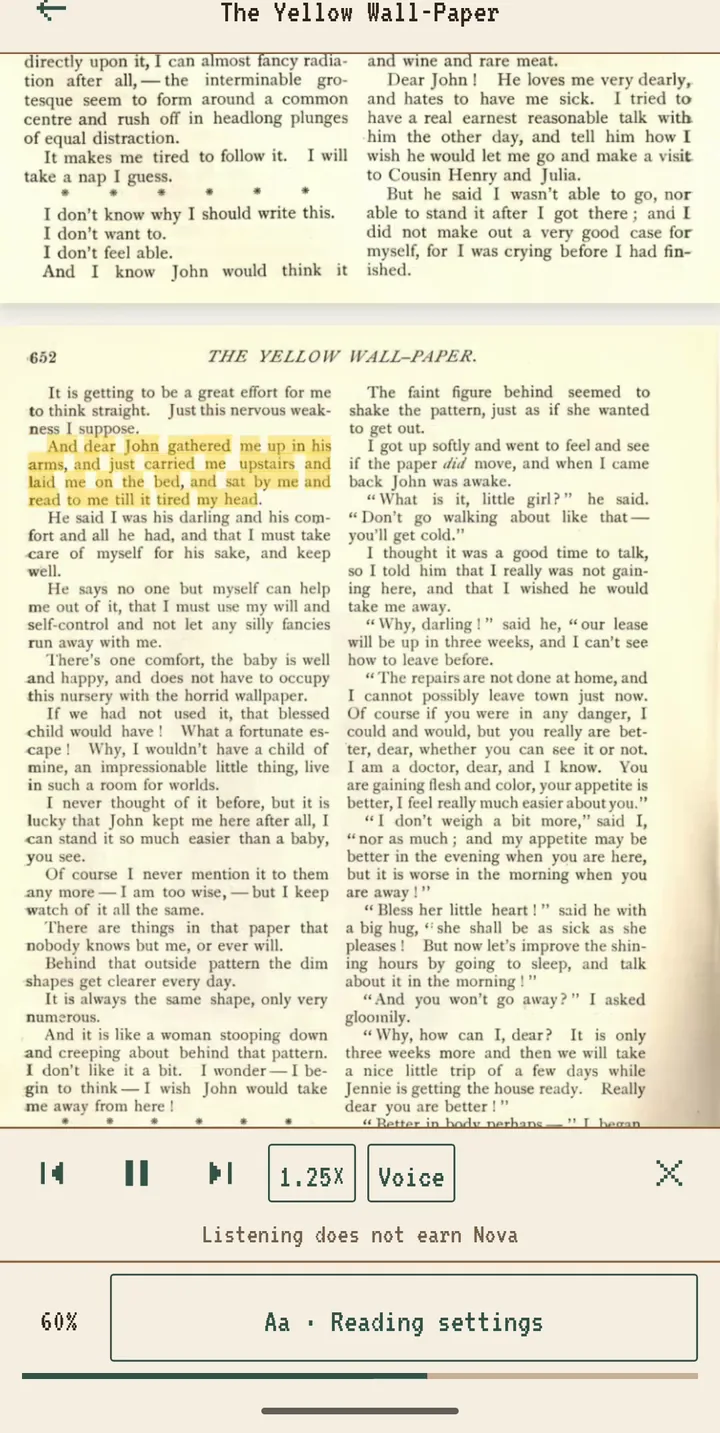
How to Have PDFs and EPUB Books Read Aloud on Android
Some chapters are easier to follow with your ears: on a walk, while cooking, or when your eyes are tired after a day at a screen. Scroll+ 0.17.22 added read aloud for the books you already keep in the app. It uses the speech…
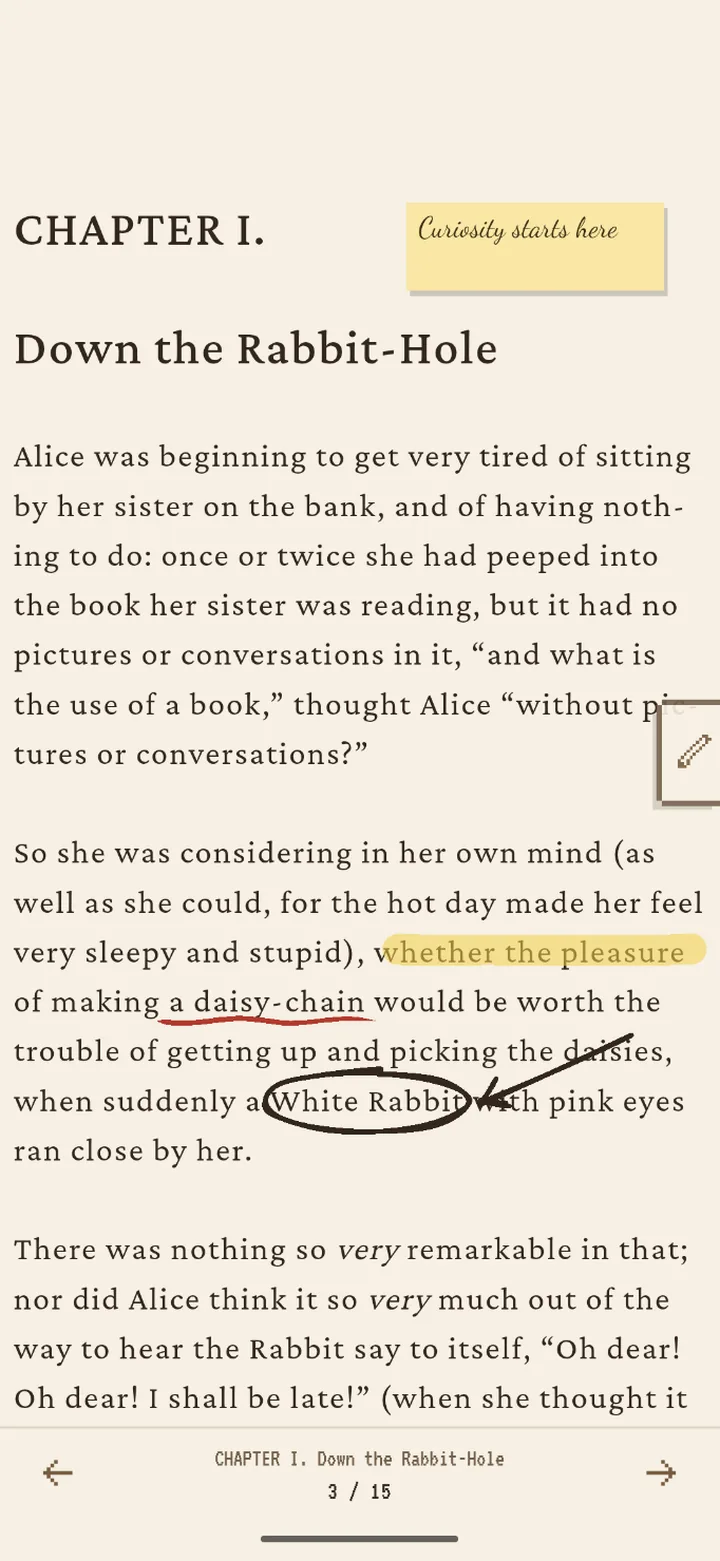
How to Draw on EPUB and PDF Books on Android, with a Finger or S Pen
Highlighting a sentence is one thing; circling a name, drawing an arrow to the line it explains or underlining a phrase twice is how many of us…
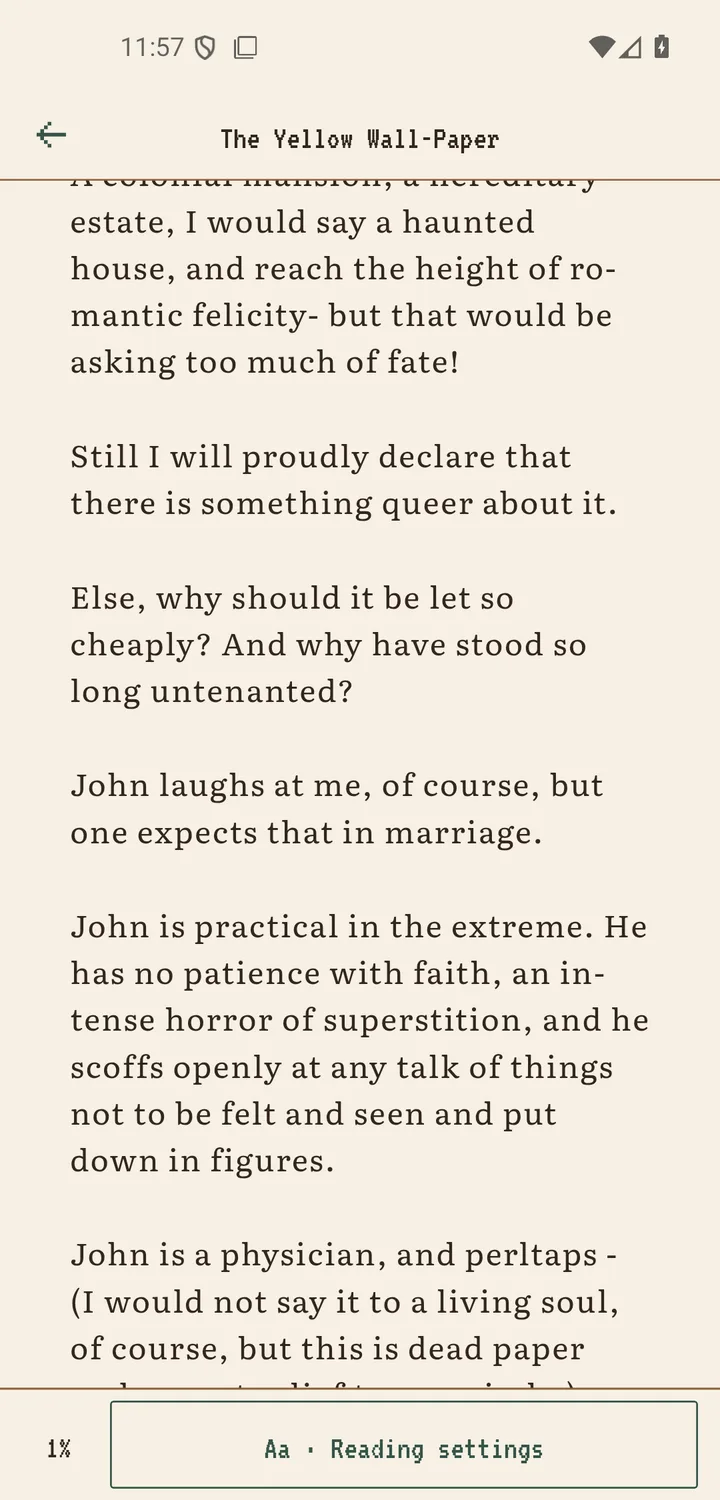
PDF Images Missing on Your Phone? How to Keep Them in Scroll+
A reader told us about an art history book full of photographs of ancient sculpture. In Scroll+ the captions were there, but the photos were not:…
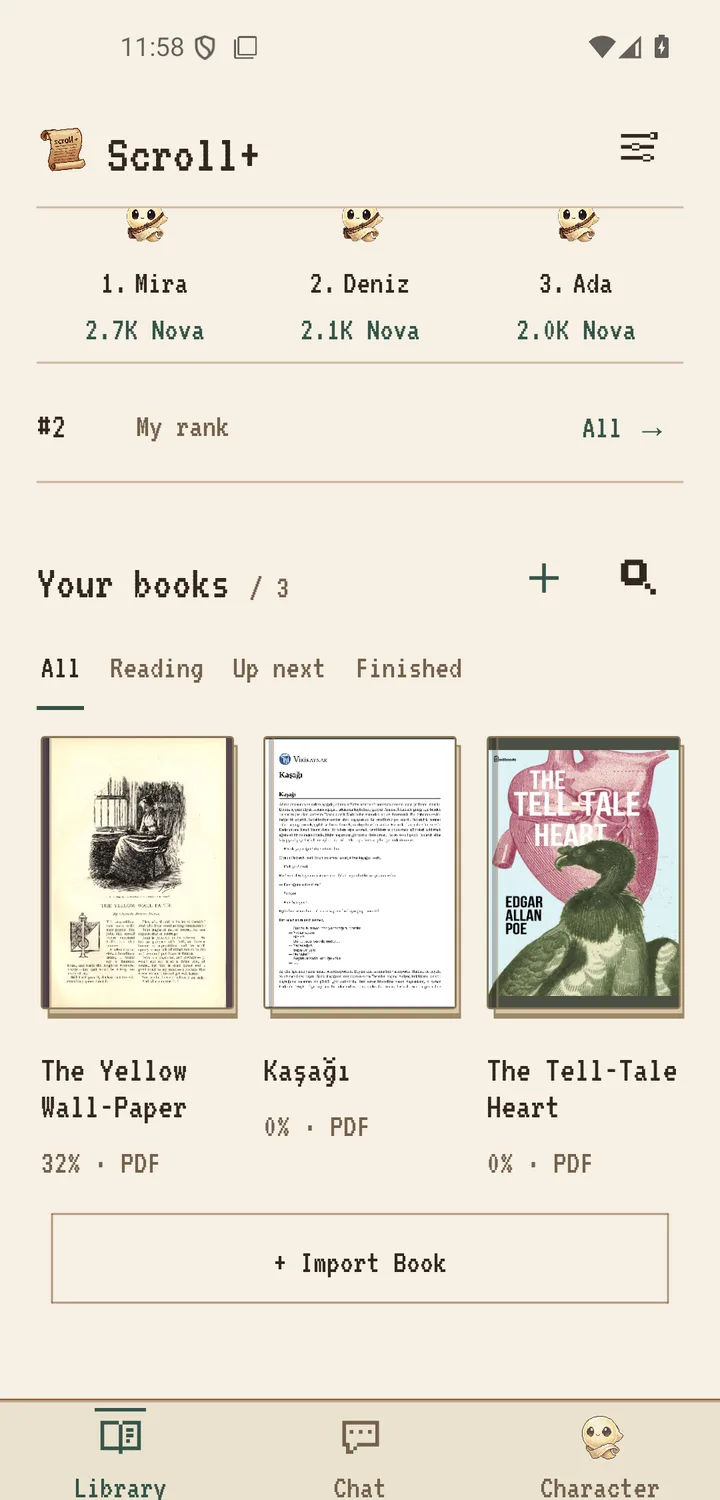
How to Import PDF and EPUB Files into Scroll+ on Android
Scroll+ is designed for books you already have permission to read. You choose a PDF or EPUB through Android's system file picker, and the app…
Scanned PDF vs Text PDF on Android: A Quick, Practical Test
Two files can both end in .pdf and behave completely differently on a phone. In one, every word is stored as text. In the other, each page may be…
PDF Reflow vs Original Page View: Which Is Better on a Phone?
There is no single best way to display every PDF on a phone. Reflow makes extracted text fit a narrow screen. Original page view preserves the…
Scroll+ 0.9.0: Smarter PDF Reading
Scroll+ 0.9.0 is rolling out on Google Play, and it is all about one thing: making PDFs behave like real books on your phone. This release focuses…
EPUB vs PDF for Phone Reading: Choose the Format That Fits the Book
If a book is offered as both EPUB and PDF, the filenames may look like a technical choice. In practice, they create very different reading…
Private, Offline Ebook Reading on Android: A Practical Checklist
An ebook reader can work offline without being entirely disconnected from online services. It can also keep book files local while synchronizing a…
How to Organize an Offline Ebook Library on Android
An offline ebook library becomes hard to use for a simple reason: files arrive with names such as final-v2.pdf , duplicate copies pile up, and the…
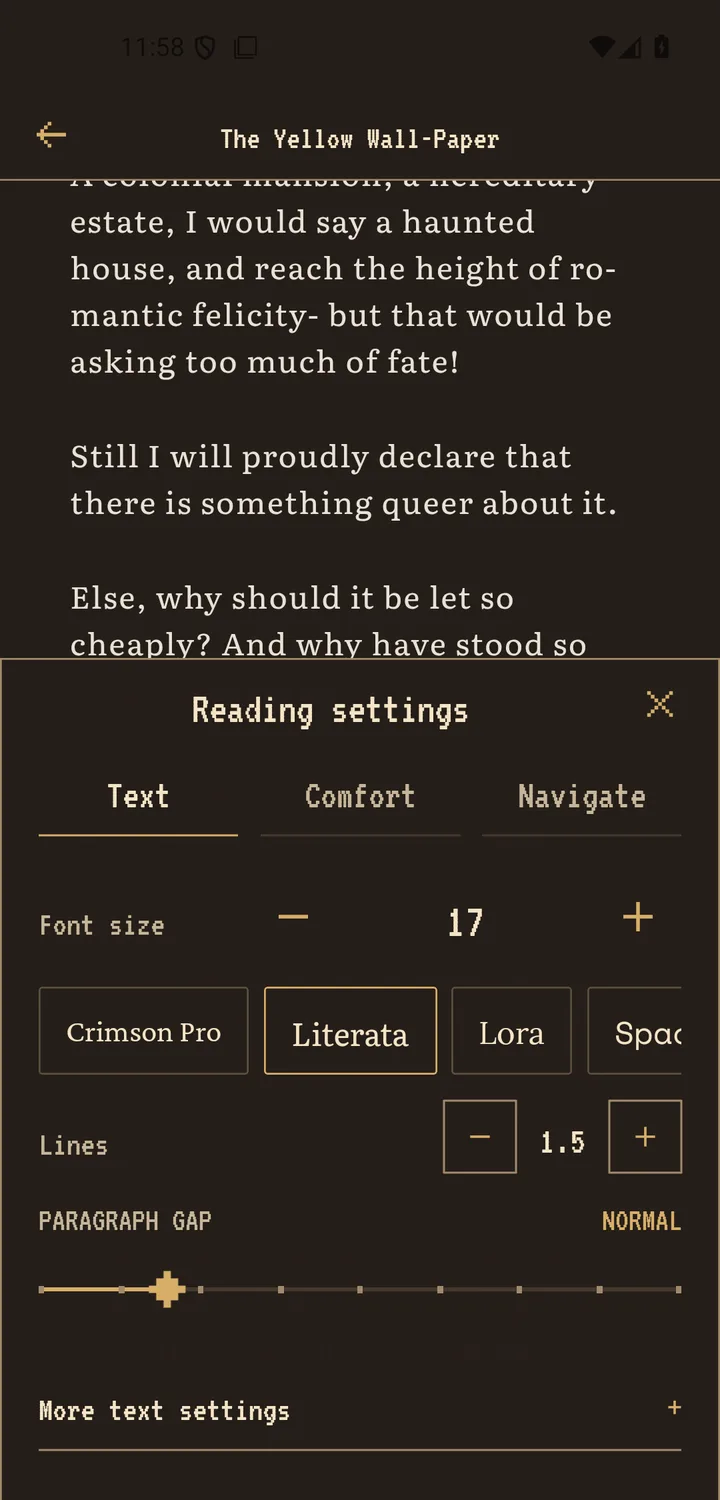
Best Reading Settings for an Android Phone: A Practical Starting Point
There is no single best font size, line spacing, or color theme for every reader. A setting that feels clear on a quiet sofa may feel cramped on a…
How to Make Night Reading on Your Phone More Comfortable
Night reading does not need a dramatic 'perfect' mode. What usually matters is reducing the difference between the bright screen and the dim room,…
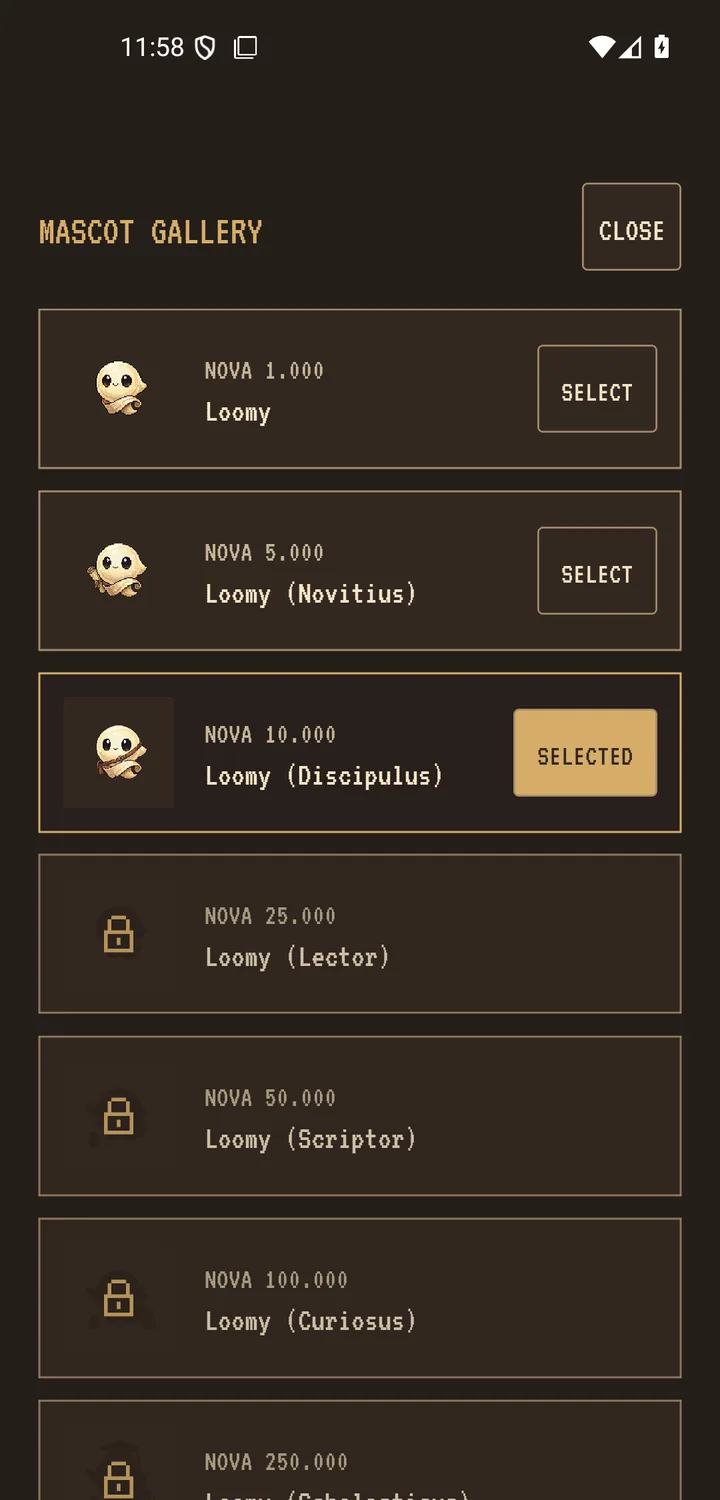
How to Use Gamified Reading Habits Without the Pressure
Reading points can make progress visible, but they can also become another obligation if the score starts deciding what, when, or how fast you…
Offline Reading While Traveling: A Before-You-Leave Checklist
A book that appears in a list is not necessarily ready for an offline trip. The file may still be in a downloads folder, a large PDF may need time…
Scroll+ vs Moon+ Reader: Ultimate 2026 Comparison
Looking for a new e-book reader in 2026? We compared Scroll+ with popular e-reader apps on the market. Here is how Scroll+ differs from Moon+…
Top 5 Free Kindle App Alternatives for Android in 2026
The Amazon Kindle app is popular, but it's heavily tied to the Amazon ecosystem and lacks many advanced customization features readers crave.…
Eye Comfort Modes: Display Settings for Easier Screen Reading
Many people find long reading sessions on a phone screen tiring, especially in the evening. Scroll+ ships with optional display presets that…