Private, Offline Ebook Reading on Android: A Practical Checklist
An ebook reader can work offline without being entirely disconnected from online services. It can also keep book files local while synchronizing a profile or progress metric. Those distinctions matter when you read personal documents. This guide explains the boundaries in plain language and shows what to check before trusting any Android reader with your library.
1. Separate book data from account data
For privacy, the first question is not simply whether an app uses the internet. Ask what is sent. In Scroll+, the book itself and on-device PDF/EPUB processing remain on the Android device. The Google sign-in is used for your profile and gamification features, not for uploading the book or carrying your place to another phone. A PDF leaves the device only if you choose optional server processing.
That boundary is more useful than an absolute privacy slogan. Network services and Android devices cannot be promised as risk-free. Review the current privacy policy, protect your Google account if you use online features, and avoid importing documents your organization forbids you to place on a personal device.
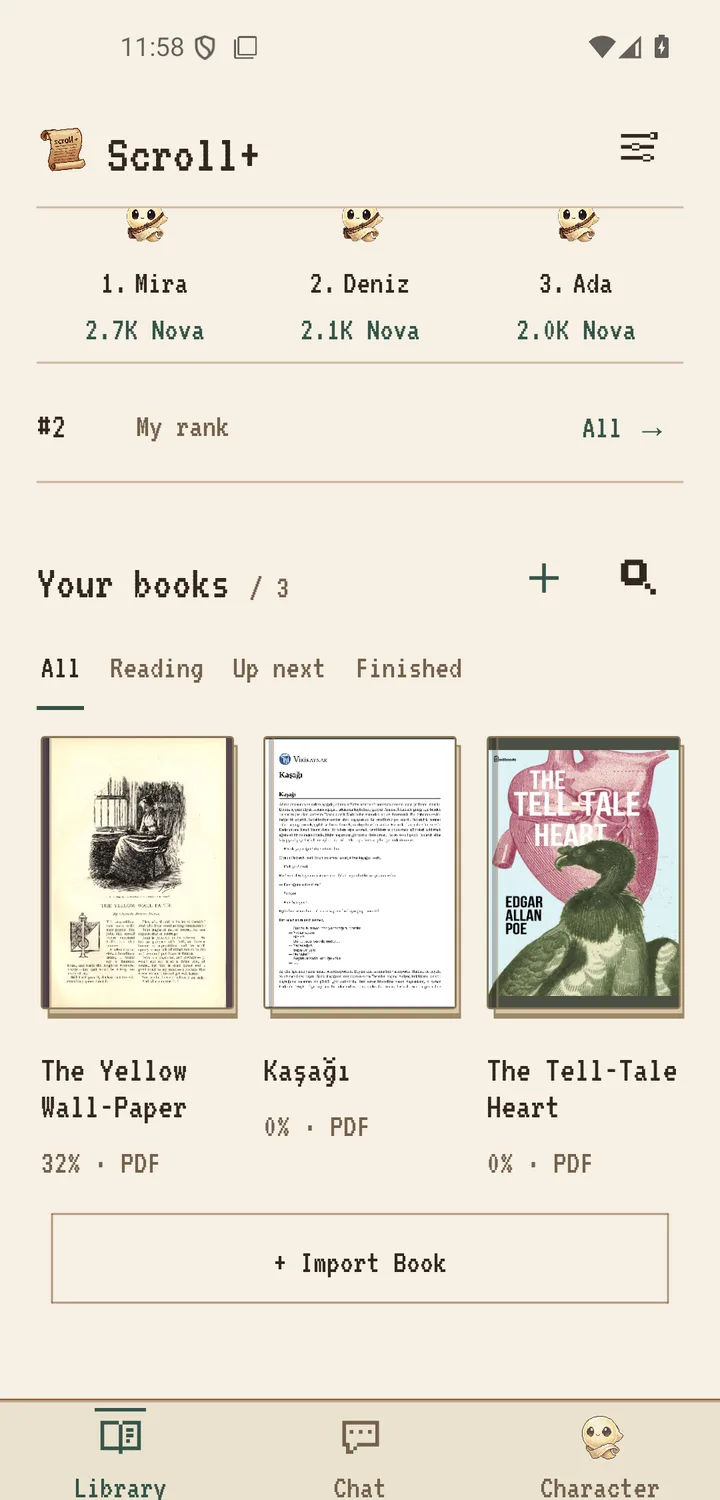
2. Test offline reading before you need it
Import and open each book once while you have time to troubleshoot. Let PDF text preparation finish, move to a few pages, close the app, enable airplane mode, and reopen the title. If the book and position return, your core reading path is ready. Online Nova or leaderboard information may wait to synchronize until a connection returns.
This test is especially useful before a flight or trip. The offline travel checklist covers battery, storage, and a small backup reading list so one difficult document does not block the whole journey.
3. Know where the source file came from
Android's file picker can show local folders and third-party storage providers. If you select a file from a cloud-backed provider, that provider may download the source to your phone before Scroll+ receives it. Scroll+ then copies and processes the supported book locally, but it cannot change the privacy rules of the place where you originally stored the file.
For a strictly offline workflow, place the legitimate source file in local device storage first, disconnect, then import it. Follow the Scroll+ Android import steps and confirm the finished book opens without a connection.
4. Local storage still needs protection
Keeping a document off a processing server reduces one exposure path, but it does not secure an unlocked or compromised phone. Use a screen lock, keep Android updated, install apps from trusted sources, and remove a sensitive book when you no longer need it. Be careful with screenshots, shared folders, device backups, and notification previews around confidential material.
Local-first also means there is no Scroll+ cloud copy to restore. Keep an encrypted or otherwise appropriate backup of files you are allowed to retain. Before clearing app data or changing phones, plan to import the books again from your own source. The offline library organization guide offers a simple folder routine.
5. Understand on-device processing
EPUB unpacking and PDF text preparation use the phone's processor and memory. This is why processing speed varies by file and device. A long, dense PDF can take noticeably longer on older hardware. Scroll+ processes PDF jobs sequentially so the library can show progress instead of sending the document away for remote conversion.
Scanned or complex files may use the original-page view when a useful text result is not available. The Scroll+ 0.9.0 notes describe this fallback. It protects access to the page; it is not a claim that every scan can be converted to editable text.
Privacy comes from clear boundaries and good device habits
For Scroll+, the boundary is specific: local books and on-device processing stay on the phone, the account is used for profile and gamification features, and a PDF is uploaded only if you choose server processing. Confirm offline access yourself, understand the source storage provider, keep a safe backup, and protect the phone that now holds the library.