Scroll+ 0.9.0: Smarter PDF Reading
Scroll+ 0.9.0 is rolling out on Google Play, and it is all about one thing: making PDFs behave like real books on your phone. This release focuses on the extraction step between importing a PDF and actually reading it. It is now faster to start, smarter about difficult files, and more accurate in more languages. Here is a tour of what changed, and the full technical list is on the changelog.
1. Batch PDF Extraction: Queue Your Whole Library
Until now, Scroll+ extracted PDFs one at a time: you picked a book, waited for the text to be prepared, then picked the next one. In 0.9.0, selection mode gains an Extract (N) action: long-press to select as many not-yet-extracted PDFs as you want and send them all to the background extraction queue in one tap.
The queue processes books one after another in the background, so you can keep reading something else while your imports get ready. If the app gets killed mid-extraction, 0.9.0 also recovers gracefully: books that were stuck in an 'extracting' state now automatically re-enter the queue on the next launch instead of hanging forever.
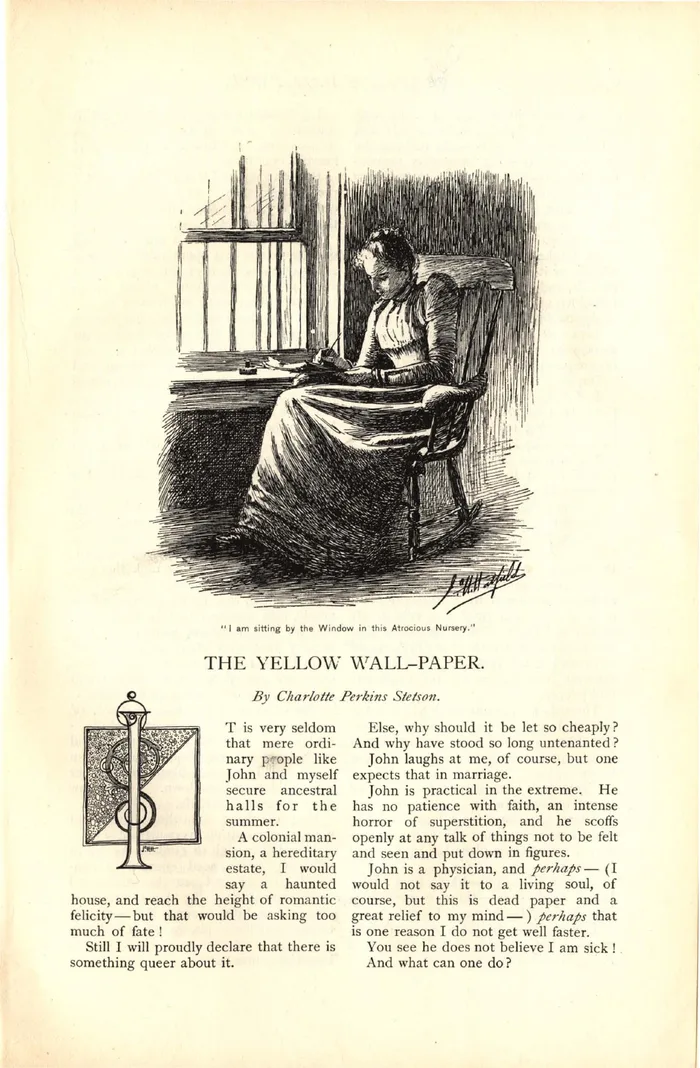
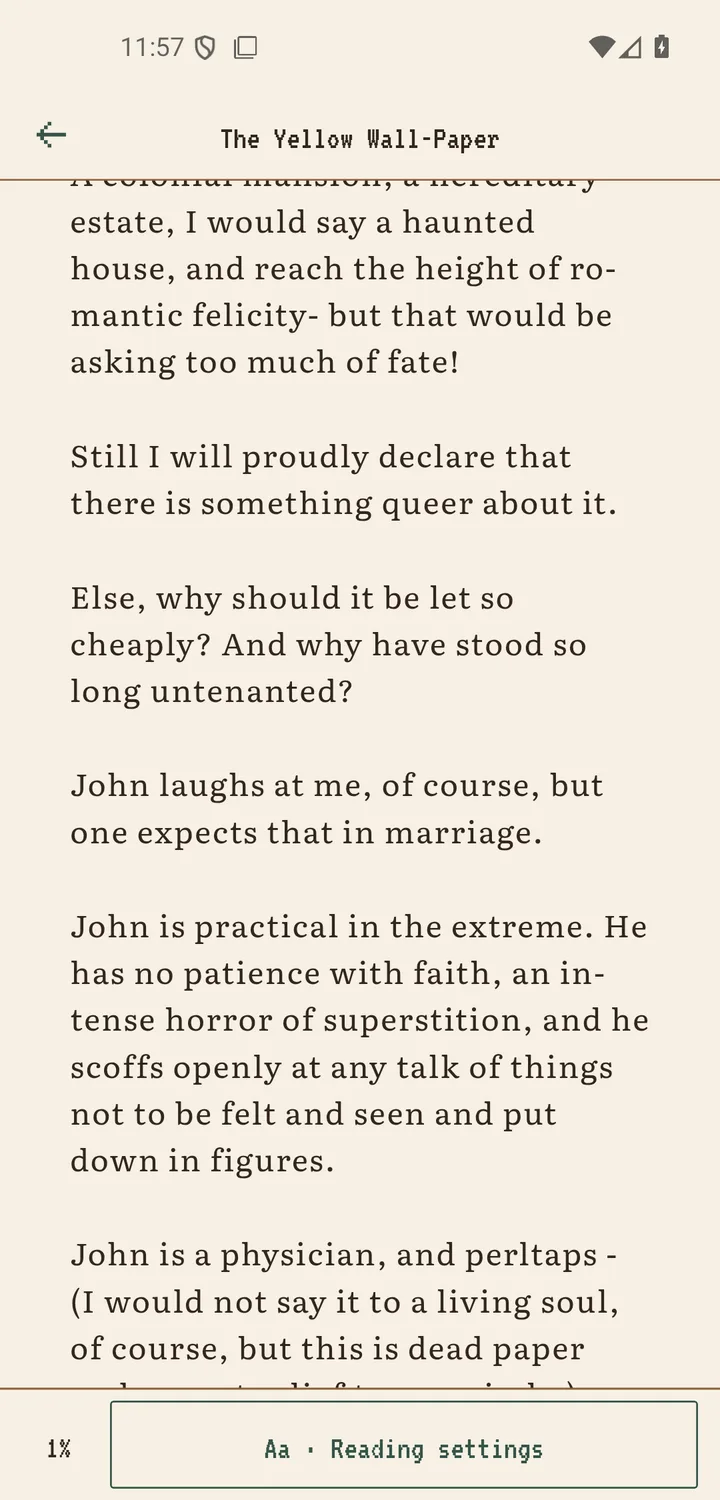
2. Scanned-PDF Detection: No More Empty Books
Some PDFs are just photographs of pages, with no text layer underneath. Text extraction can't do anything with those, and previously they produced a nearly empty book. Scroll+ 0.9.0 detects this automatically: if a book comes out of extraction with almost no text (fewer than ~30 words in total, or several pages averaging under 10 words each), it is flagged as a scanned PDF.
Instead of leaving you with a blank book, Scroll+ switches it to Academic Mode, the native page-by-page PDF view, so the book stays fully readable. A clear notice tells you why. You get the original pages exactly as scanned, with zoom and highlights, rather than a failed extraction.
3. More Accurate Extraction in Every Language
Text extraction learned some manners around non-English books. OCR-style corrections that only make sense for English (like normalizing CHAPTER/PAGE headings or fixing 'rn' misreads) are now gated behind a language check and skipped entirely for right-to-left scripts. This means German, French, Arabic and many other languages no longer risk having correct text 'corrected' into mistakes.
Two long-standing extraction bugs are also gone: font sizes are now computed correctly for rotated and skewed text (so headings in tilted layouts don't come out tiny or huge), and a crash on extremely dense pages with thousands of text fragments on a single page has been fixed.
4. Polish and Stability
The scanned-PDF notice arrives in a new retro notice modal that matches the app's pixel-art aesthetic instead of a plain system alert. The default reading font, Crimson Pro, now renders correctly everywhere in the app instead of quietly falling back to the system font.
Under the hood: network request timeouts are now always cleaned up (no more resource leaks on flaky connections), a Redux state migration prunes oversized reading-session history from older installs, and the whole release was verified end-to-end on a real Android emulator across import, extraction, detection, and reading.
A Better Home for Your PDFs
PDFs are one of the hardest formats to read comfortably on a phone, and 0.9.0 improves batch preparation, handling of scanned files, and text extraction. Results still depend on each document. If Scroll+ struggles with a PDF, tell us; real-world files are how extraction gets better.