How to Organize an Offline Ebook Library on Android
An offline ebook library becomes hard to use for a simple reason: files arrive with names such as final-v2.pdf, duplicate copies pile up, and the book you meant to read next disappears into the grid. You do not need a complex catalog to fix this. A small routine before and after import is enough.
Scroll+ keeps imported PDF and EPUB files on your Android device. That gives you a clear boundary: organize the source files first, use the library's format tabs while reading, and keep a separate backup of anything you cannot replace. If you are starting from an empty library, follow the PDF and EPUB import guide first.
1. Give every file a useful name before importing
For PDFs, Scroll+ uses the filename as the library title. Rename vague files before import with a simple pattern such as Author - Short Title.pdf. Keep the title short enough to recognize on a phone screen. For a series, add a stable number: Le Guin - Earthsea 01.epub.
EPUB files can carry their own title, author, and cover metadata, so the displayed name may come from inside the book rather than the filename. If that metadata is wrong, correct the original EPUB with a trusted desktop library tool before importing. This is also a useful moment to decide whether EPUB or PDF fits the way you plan to read.
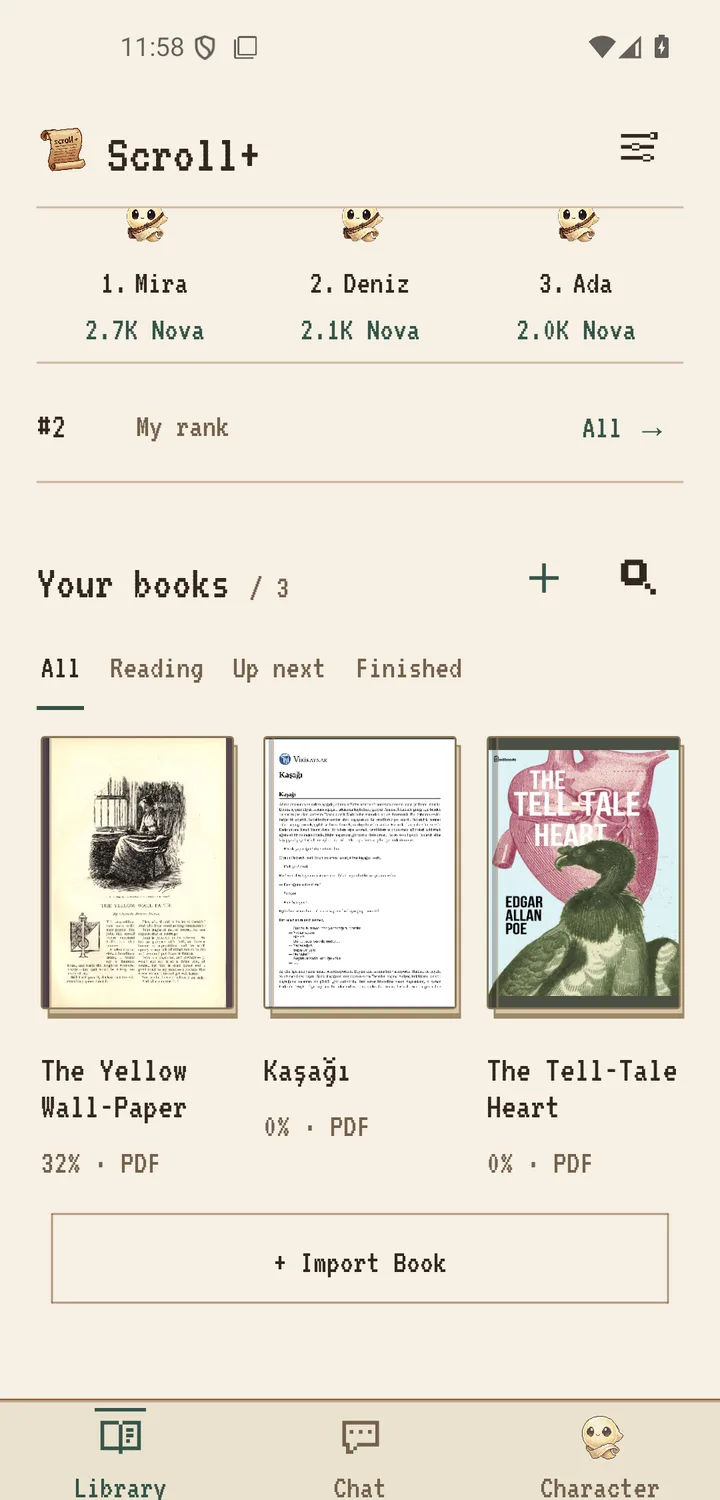
2. Treat the phone as an active shelf, not the only archive
Keep the books you are reading now, the next few books, and essential reference documents on the phone. A smaller active shelf reduces duplicate imports and makes the next choice obvious. Remove finished items only after confirming that the original file exists in your master archive.
A local-first app is not a backup service. Uninstalling an app, clearing its data, losing the phone, or damaging storage can remove local content. Keep irreplaceable originals on another device or storage location you control. The important distinction is that Scroll+ does not upload your book files unless you choose optional server processing for a PDF; the private offline reader guide explains that boundary.
3. Use format tabs as a lightweight filing system
Scroll+'s library provides All, PDF, and EPUB tabs. Use All when you know the cover or title, PDF for reports and fixed-layout material, and EPUB for books whose text adapts to the screen. This is deliberately simpler than maintaining many folders or tags.
Do not invent categories you will not maintain. If you repeatedly hesitate over where a book belongs, the system is too complicated. A filename, a format, and a small active shelf are usually enough for a phone library. The source archive can hold the deeper folder structure.
4. Prepare demanding PDFs before you need them
PDF text preparation runs on your device, so time and results depend on the file and the phone. Text-based PDFs can become reflowable reading text; scanned or complex files may stay in the original page view. Open important PDFs early and confirm that the chosen view is usable.
If several PDFs need preparation, queue them while you are not relying on the phone for something urgent. Scroll+ 0.9.0 added batch PDF extraction and better scanned-file handling; the 0.9.0 release note explains the limits and fallback.
A library you can trust is better than a large library
The goal is not to fit every document you own onto one phone. The goal is to know what is available, find it quickly, and avoid losing the only copy. Rename before import, keep the active shelf small, use the format tabs, and test difficult PDFs ahead of time. That routine stays useful even as your collection grows.